Disclosure: I build Murmur, one of the seven servers in this piece. The other six are tools I don't make and have no deal with.
Most of a product manager's week happens in other apps: the tracker, the docs, the design file, the team chat, the analytics. Claude only helps with that work if it can see those apps. MCP (Model Context Protocol) is how it sees them. An MCP server is a small service a vendor runs so that an AI client can read from, and sometimes write to, their product.
For each of the seven servers below, I read the vendor's own docs and note what a PM would use it for, how to connect it, and the catch. Each section links to the docs it comes from, so you can check them yourself: these servers change often.
Before you connect anything
In Claude's apps, an MCP server you add yourself is a custom connector. Anthropic's help center says custom connectors are available on the Free, Pro, Max, Ultra, Team and Enterprise plans, and Free users can add one. On Team plans, only Owners and Primary Owners can add them; members then connect to them one by one. In Claude Code, you add a remote server with one claude mcp add command, and most of the servers below give you that command on their docs page.
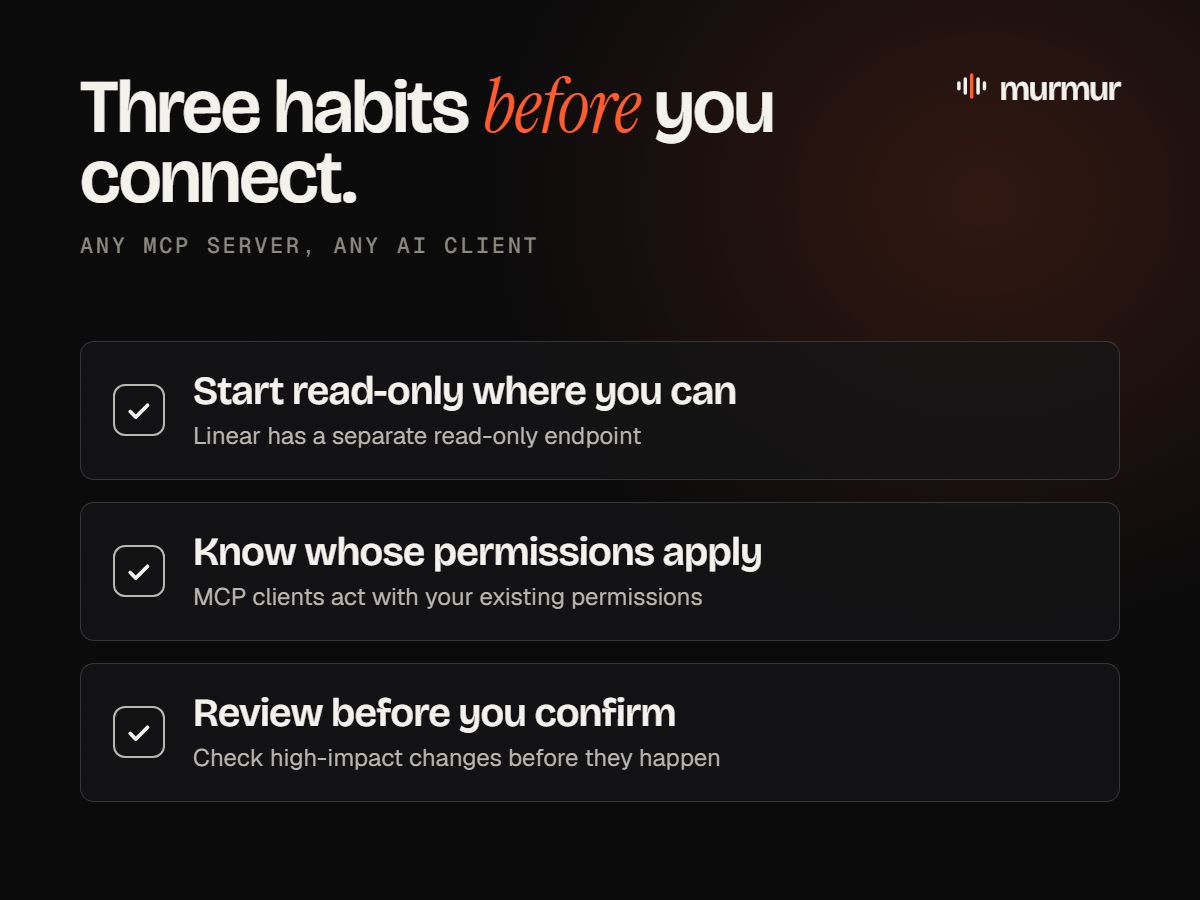
The same article notes that custom connectors can reach services Anthropic hasn't verified, so connect only servers you trust. Three habits help:
- Start read-only where you can. Linear, for example, offers a separate read-only endpoint.
- Know whose permissions apply. Atlassian's docs say MCP clients act with your existing permissions, so the AI can change whatever you can change.
- Review high-impact changes before you confirm them. Atlassian recommends this too.
The seven at a glance
| Server | What a PM uses it for | Server URL | Worth knowing |
|---|---|---|---|
| Atlassian | Jira and Confluence: search, summarize, create | mcp.atlassian.com/v2/mcp | Needs an Atlassian cloud site |
| Linear | Issues, projects, comments | mcp.linear.app/mcp | Has a read-only endpoint |
| Notion | Specs, wikis, databases | mcp.notion.com/mcp | Works on every Notion plan |
| Figma | Design context for specs and handoff | mcp.figma.com/mcp | Writing to the canvas is in beta |
| Slack | Search threads, draft updates, canvases | mcp.slack.com/mcp | Workspace admins approve clients |
| PostHog | Product analytics, flags, experiments | mcp.posthog.com/mcp | Some AI-powered tools are billed |
| Murmur | A plan for a coding agent, from an idea | app.trymurmur.studio/api/mcp | Starts runs from typed ideas only |
Atlassian MCP server (Jira and Confluence)
If your team lives in Jira and Confluence, this is the first one to add. Atlassian's getting-started page says it can summarize and search Jira, Jira Service Management, Confluence, Bitbucket, Projects and Goals, retrieve Loom recordings, and create and update work items and pages. A PM can ask Claude to summarize a sprint, find the Confluence page behind a decision, or turn meeting notes into Jira work items.
It runs at https://mcp.atlassian.com/v2/mcp and signs in with OAuth 2.1; API tokens are an optional alternative, if your admin allows them. Atlassian announced it as generally available, under the name Rovo MCP Server, on 4 February 2026. The getting-started page lists Claude among supported clients and gives the Claude Code command.
The catch: you need an Atlassian cloud site with Jira, Compass or Confluence. Enriched Teamwork Graph calls, such as unified search, use Rovo credits. And Atlassian says existing v1 setups will start using the v2 tools on 1 March 2027, so check older configurations before then. If the connection fails, I built a free Atlassian MCP setup and connection checker that reads the error and points to the fix.
Linear
Linear's MCP server has tools for finding, creating and updating issues, projects and comments. For a PM that means triaging a backlog in conversation, writing up issues from a customer call, or asking which projects slipped.
The main endpoint is https://mcp.linear.app/mcp. There is also https://mcp.linear.app/mcp/readonly, which only ever exposes read tools and is a sensible place to start. Sign-in uses OAuth 2.1, and Linear also accepts API keys. Its docs cover Claude directly: Free and Pro users add it in the Claude desktop app under Settings, then Connectors; Team and Enterprise users go through their organization's connectors page. There's a one-line command for Claude Code too.
The catch: the read-write endpoint is the default, so pick the read-only one on purpose if that's what you want.
Notion
Notion's hosted server lets an AI client search your workspace, create and edit pages, and manage databases, per its MCP overview. PMs who keep specs, research notes and roadmaps in Notion can ask Claude to pull them together or draft a new page in the right database.
The server URL is https://mcp.notion.com/mcp, with OAuth sign-in. Notion says it works on every plan. Notion's connection guide says to find it in your assistant's connector library; in Claude Code it's one command, then /mcp to sign in.
The catch: guests can't connect; only workspace members can. Some features depend on your plan: searching connected sources beyond Notion needs Business or Enterprise with Notion AI.
Figma
Figma's server gives an AI client the design context of a file: variables, components and layout. Per Figma's developer docs, it can also generate code from selected frames and read and summarize comment threads. For PMs, the useful part is writing specs and acceptance criteria against the actual design rather than a screenshot.
The remote server is at https://mcp.figma.com/mcp and needs no desktop app. Figma's guide says it's available on all plans, for clients listed in Figma's MCP catalog. Claude Code and Claude Desktop are both listed.
The catch: writing to the canvas is in beta, and writing outside your drafts needs a Full seat. Figma says it's free during the beta and will later be a usage-based paid feature. Usage and rate limits are on a separate Figma plans page, so check yours before you lean on it.
Slack
Slack's MCP server can search messages and files, read channels and threads, send, schedule and draft messages, and manage canvases and lists. For a PM, that's "summarize what the team decided about pricing this week" or "draft the launch update for #product, don't send it".
It runs at https://mcp.slack.com/mcp, and Slack's docs include a guide for connecting Claude.
The catch: this one sits under your workspace's control. Slack says workspace admins approve and manage MCP client integrations, and only Marketplace apps and internal apps can use MCP for now. Rate limits are set per tool and match Slack's Web API.
PostHog
PostHog's MCP server covers analytics queries, SQL, feature flags, experiments and error triage. A PM can ask how a funnel moved after a release, which flags are still on, or what the top errors were this week, without writing the query.
The URL is https://mcp.posthog.com/mcp, and PostHog says it routes you to the US or EU region based on the account you sign in with. Its docs list Claude Code and Claude Desktop among supported clients.
The catch: connecting and calling tools is free, but PostHog notes that some tools use LLMs internally and may be billed as PostHog AI spend. Those tools also need AI data processing turned on in your organization settings.
If your analytics live elsewhere, look for the same shape from your own vendor: read access to insights first, write access to flags later.
Murmur
This is the one I build, so weigh it accordingly.
The problem it's for: coding agents build better from a plan than from a prompt. One prompt is too vague, so the agent guesses and you spend time steering it back. PMs feel this when an engineer, or the PM themselves, hands Claude Code a one-line idea.
What Murmur does: you say or type the idea, and it does the groundwork before any code. Through MCP, Claude Code and other MCP clients start a run from an idea typed as 20 to 600 characters.
What you get, as proof: competitor research with source links, a PRD with must, should, could and won't features, a tech design, a brand kit, and a roadmap with a board of epics and stories. You can download them as Markdown, or as a zip whose foundation/ folder holds the files a coding agent reads first. If you choose Jira and Confluence for the run, Murmur also creates a new Jira project and Confluence space in your own Atlassian site. The eleven public example runs on the examples page took 7m 31s to 11m 05s.
To add it in Claude Code: claude mcp add --transport http murmur https://app.trymurmur.studio/api/mcp, then run /mcp and sign in with your Murmur account. The first idea is free; after that it's $7 per idea or a monthly plan. The MCP page lists the tools and what each one does.
The limits: MCP runs take typed ideas; to talk an idea through, you record a voice memo in the Murmur app instead. It doesn't export to Linear, Notion or GitHub. The Atlassian option creates a new project and space rather than working inside ones you already have. Results are kept for 30 days plus a 7-day grace window, so export what you need.
A starter setup for a PM
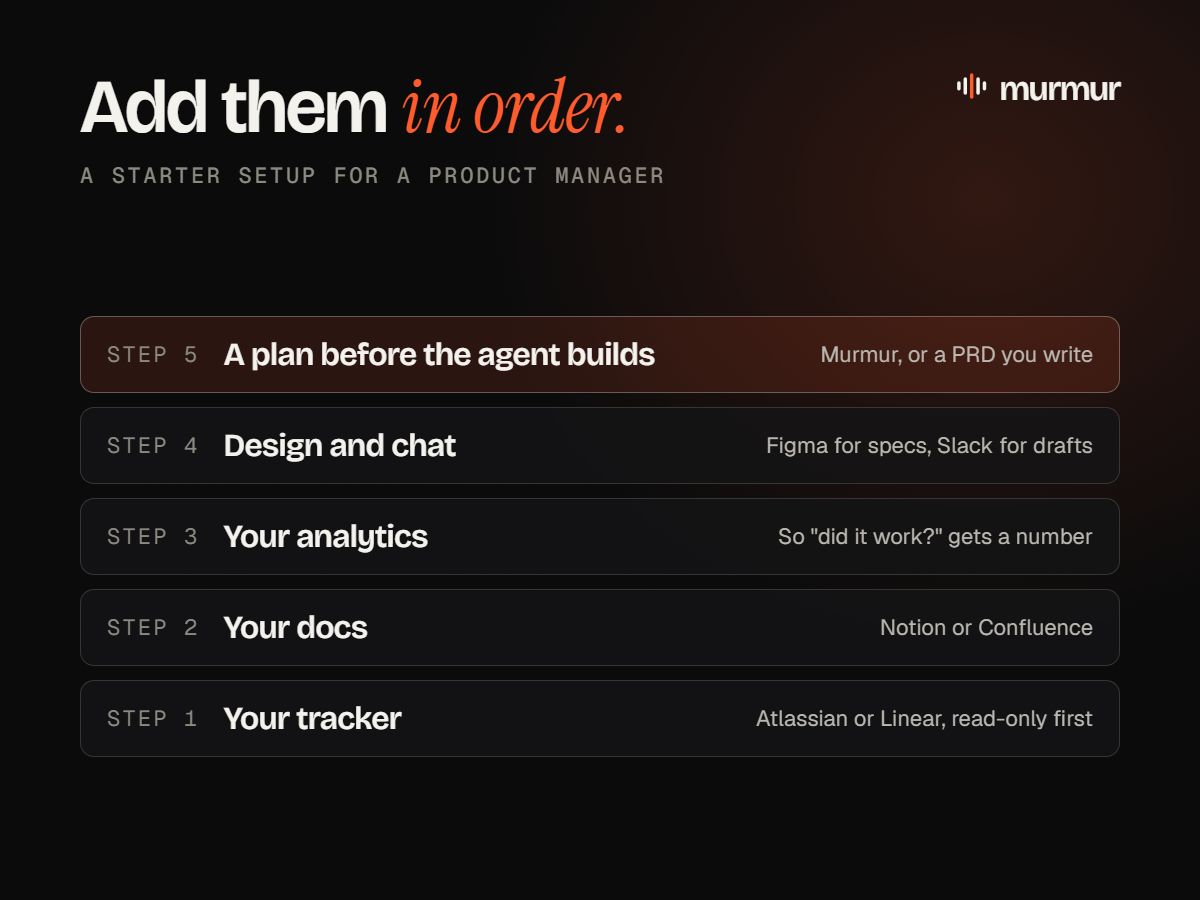
If you only add a few, this order works for most teams:
- Your tracker, read-only first: Atlassian or Linear. Ask for summaries for a week before you let it create issues.
- Your docs: Notion or Confluence, so Claude can find the decisions behind the tickets.
- Your analytics: so "did it work?" gets a number instead of a guess.
- Design and chat when the first three earn trust: Figma for specs, Slack for drafts you send yourself.
- A planning step before a coding agent builds: Murmur, or a PRD you write yourself. The free PRD template is a place to start, and I wrote up how to write a PRD a coding agent can build from and eight AI PRD generators side by side.
Whatever you connect, check its docs again before you rely on it. These servers change: Atlassian, for one, has moved to a v2 endpoint and set a date for v1 setups to switch.
Sources
- Atlassian MCP is powered by OAuth 2.1; authentication via API token is also available as optional: support.atlassian.com/atlassian-ai-gateway/docs/get-started-with-the-atlassian-remote-mcp-server/
- Atlassian announced the Rovo MCP Server as generally available on February 4, 2026: atlassian.com/blog/announcements/atlassian-rovo-mcp-ga
- On March 1, 2027 any existing use of Atlassian MCP v1 will start to expose and use v2 tools: support.atlassian.com/atlassian-ai-gateway/docs/get-started-with-the-atlassian-remote-mcp-server/
- Linear's interactive setup uses OAuth 2.1 with dynamic client registration: linear.app/docs/mcp
- Murmur's MCP server takes an idea sent as text of 20 to 600 characters: trymurmur.studio/llms.txt
- The eleven public example runs took 7m 31s to 11m 05s: trymurmur.studio/llms.txt
- Murmur: first idea free, then $7 per idea; results are kept for 30 days on every plan, plus a 7-day grace window: trymurmur.studio/llms.txt
Facts checked
next: How to Write a PRD for Claude Code and Cursor
Read the next post →